
The Dangers of Public Wi-Fi
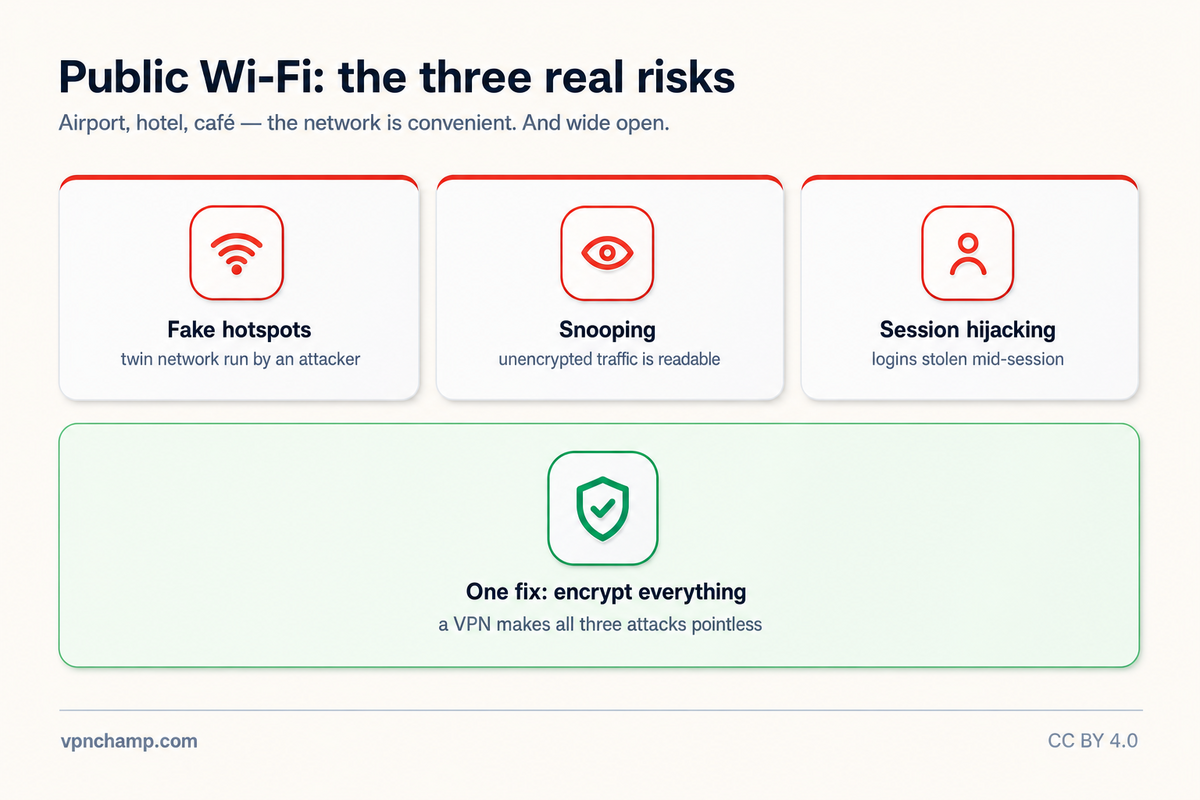
Public Wi-Fi networks at airports, cafes, hotels, and other venues are among the most dangerous places to connect without protection. These open or weakly secured networks are prime hunting grounds for cybercriminals who can intercept your data, steal login credentials, and monitor your online activity. A VPN is the single most effective tool for protecting yourself on public Wi-Fi, encrypting all your traffic so that even if someone intercepts it, they cannot read or use the data.
How VPNs Protect You on Public Networks
When you connect to a VPN on public Wi-Fi, all data between your device and the VPN server is encrypted using protocols like AES-256. This means that even if an attacker is monitoring the network, they only see encrypted gibberish rather than your actual traffic. Your DNS queries, login credentials, financial information, emails, and browsing activity are all shielded from observation. The VPN also masks your real IP address, preventing other users on the same network from targeting your device directly.
Common Attacks on Public Wi-Fi
Several types of attacks are common on public Wi-Fi. Man-in-the-middle (MITM) attacks involve an attacker positioning themselves between you and the Wi-Fi access point to intercept your communications. Evil twin attacks use a fake Wi-Fi hotspot that mimics the legitimate network name to trick you into connecting to the attacker's network. Packet sniffing uses freely available software to capture unencrypted data transmitted over the network. Session hijacking steals your active session cookies to impersonate you on websites you are logged into. A VPN effectively neutralizes all of these attack vectors.
Best Practices for Public Wi-Fi Safety
Beyond using a VPN, several best practices enhance your safety on public Wi-Fi. Always verify the exact network name with the venue staff before connecting, as attackers often create similar-sounding fake networks. Disable automatic Wi-Fi connection on your device so you do not unknowingly connect to malicious networks. Turn off file sharing and AirDrop when on public networks. Use HTTPS-only mode in your browser as an additional layer of protection. Avoid accessing extremely sensitive accounts (like financial services) on public Wi-Fi even with a VPN, if it can wait until you are on a trusted network.
Setting Up Auto-Connect on Untrusted Networks
Most quality VPN apps offer an auto-connect feature that automatically activates the VPN whenever you join an untrusted or unknown Wi-Fi network. To set this up, look in your VPN app's settings for "auto-connect," "trusted networks," or "Wi-Fi protection." You can typically designate your home and work networks as trusted (VPN not needed) while all other networks trigger an automatic VPN connection. This set-and-forget approach ensures you are never unprotected on public Wi-Fi, even if you forget to manually connect.
For frequent travelers and remote workers who regularly use public Wi-Fi, consider your VPN an essential tool equal to your laptop or phone. Enable the kill switch so that if the VPN connection drops while you are on a public network, your traffic is blocked rather than exposed. Keep your VPN app updated to benefit from the latest security patches. With a VPN running, public Wi-Fi transforms from a serious security risk into a usable resource, letting you work and browse with confidence from virtually anywhere.